

Unofficial community rewrite
FastQC, rewritten in Rust
An unofficial rewrite of FastQC, the sequencing QC tool by Simon Andrews at the Babraham Institute.
You should probably use the official Java version, not this one.
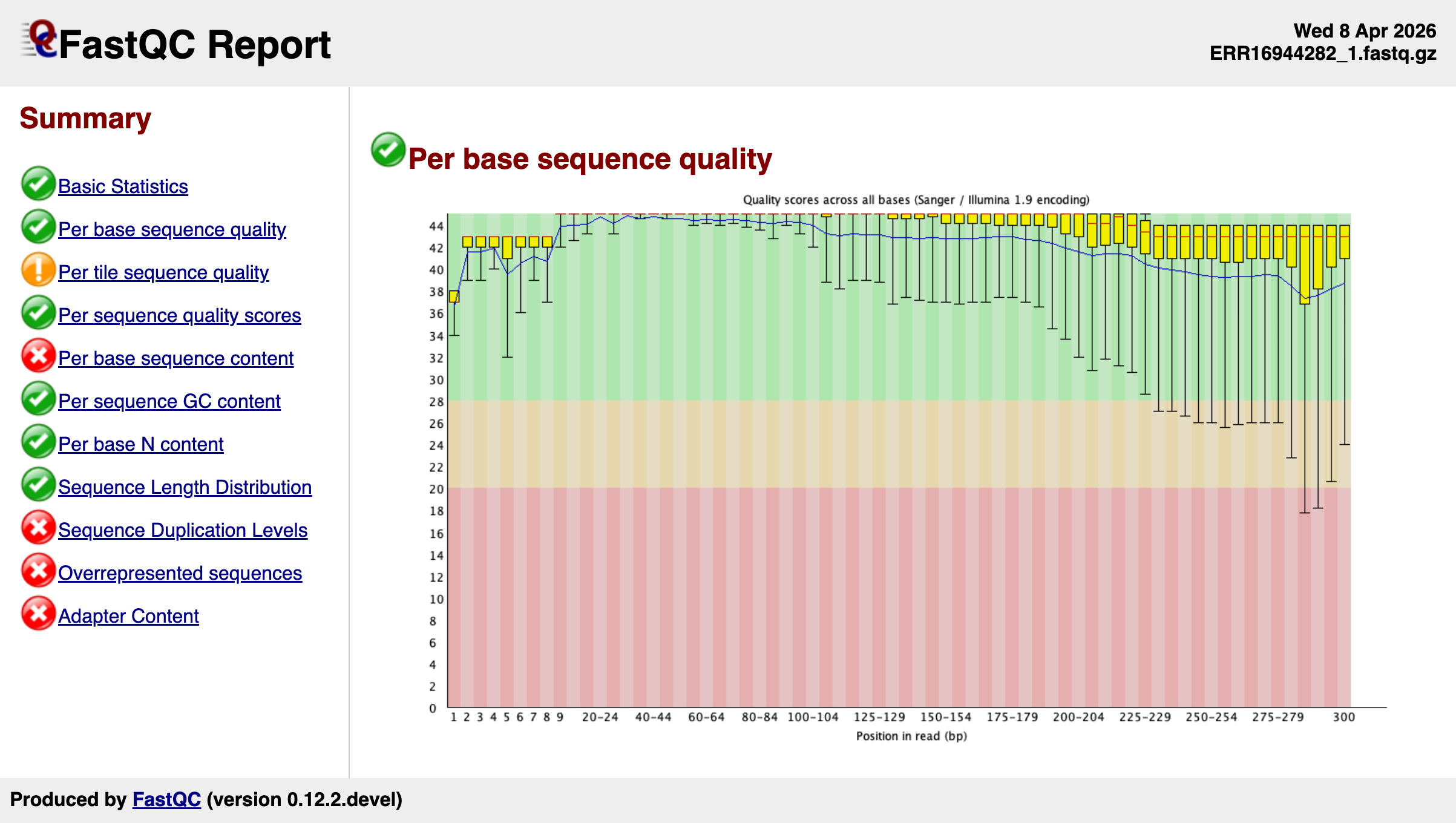
This project is to be a faithful rewrite of FastQC, with as-close-to identical outputs as possible. The hope is to port improvements back upstream until the rewrite provides no additional functionality or speed. It's basically a development fork in a different language, albeit with a Rust crate for folks building in that ecosystem.
For regular use, it's probably best to stick with the official Java version from Babraham or GitHub.
OK, but why does this exist?
Valid question..
Upstream contributions
It started off as a "what if.." and turned into more of a sandbox for prototyping improvements that get ported back to the main Java FastQC. The goal is to make the canonical tool better, not to replace it or fragment community usage.
Rust crate
Published as fastqc-rust
for developers building bioinformatics tooling in the Rust ecosystem.
Produces virtually identical output
to the Java version. See the library guide
for usage from another Rust program.
Performance
One file (7.3 GB Illumina WES), each tool at its default threads. Rust v1.0 is the previous release and Rust v1.1 the current one. Java FastQC v0.13.0 includes parallel processing contributed upstream from this project. Full benchmarks.
Wall clock time
Peak memory (RSS)
Install
With binary
# Linux x86_64 example -- see docs for all platforms
curl -fsSL https://github.com/ewels/FastQC-Rust/releases/latest/download/fastqc-linux-x86_64.tar.gz | tar xz --strip-components=1
sudo mv ./fastqc /usr/local/bin/
With Docker
docker run ghcr.io/ewels/fastqc-rust:latest fastqc sample.fastq.gzFrom crates.io
cargo install fastqc-rustFrom source
git clone https://github.com/ewels/FastQC-Rust.git
cd FastQC-Rust && cargo build --release
Usage
fastqc sample.fastq.gz                    # single file
fastqc -o results/ *.fastq.gz             # batch with output dir
fastqc -t 4 --format bam aligned.bam      # parallel, BAM input
The CLI matches the original. See fastqc --help for all options.